

Should You Rebuild or Modernize Your Legacy PHP Website? A Practical Decision Guide
Your website still works. Customers can browse your pages, submit forms, and place orders. So why does every small change take longer than expected? Why do updates keep breaking something else?
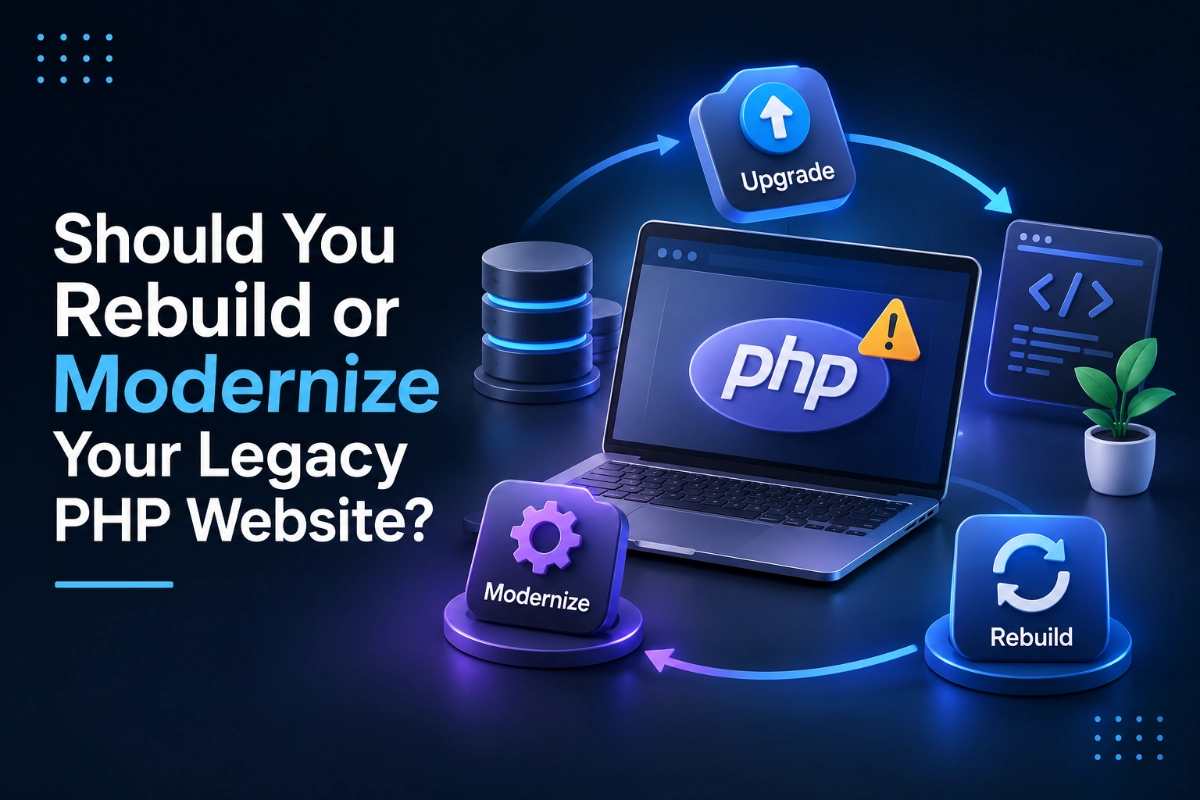
These are common signs of a legacy website that needs attention. The challenge is deciding what to do next. Should you upgrade the existing code, modernize selected components, or rebuild the entire application?
The right answer depends on your website’s technical condition, business requirements, and future plans. A complete rebuild can solve deep structural problems, but it may cost more than necessary. A targeted modernization can extend the life of a good system, provided its underlying architecture remains suitable.
What Is Legacy PHP Application Modernization?
Legacy PHP application modernization is the process of improving an existing PHP website or application to address outdated software, security risks, compatibility issues, maintenance problems, and changing business requirements. It can involve upgrading PHP, replacing unsupported dependencies, refactoring code, improving database performance, or rebuilding selected components without replacing the entire system.
The goal is to make the application safer, easier to maintain, and better suited to future business needs.
Why Can an Older PHP Website Become Difficult to Maintain?
A website does not become outdated simply because it has been online for several years. Problems usually develop when its software, dependencies, and code are no longer maintained properly.
Outdated PHP Versions and Dependencies
PHP releases have defined support periods. When a version reaches end of life, it no longer receives standard security fixes from the PHP project.
Older applications may also depend on libraries or frameworks that are no longer maintained. Updating one component can expose compatibility problems elsewhere.
This creates a difficult situation. Keeping everything unchanged may increase risk, while upgrading without preparation can break existing functionality.
Too Much Custom Code and Too Little Documentation
Some websites have accumulated years of custom features. Previous developers may have left without documenting how those features work.
A seemingly small change can affect several unrelated parts of the application. Developers then spend more time tracing dependencies and testing unexpected side effects.
The problem is not necessarily the age of the code. It is the lack of clear structure, documentation, and reliable testing.
Growing Performance and Integration Problems
An older application may rely on inefficient database queries, outdated APIs, or integrations that no longer work as expected.
As traffic grows, these limitations can become more noticeable. Slow pages, failed background jobs, and unreliable checkout processes can affect customer experience and daily operations.
Should You Upgrade, Modernize, or Rebuild Your PHP Website?
The best approach depends on the condition of the existing system.
Option 1: Upgrade the Existing PHP Application
A version upgrade is often the first option when the codebase is reasonably stable and its dependencies support newer PHP releases.
This approach can address software support concerns without changing the application’s entire structure.
However, an upgrade is not always a simple version switch. Developers may need to replace incompatible functions, update packages, review configuration, and test important workflows.
Choose this option when the application works well overall and the main problems relate to outdated software.
Option 2: Refactor and Modernize Selected Components
Refactoring improves the internal structure of code while preserving its intended behavior. Modernization can also include replacing outdated libraries, improving database access, adding tests, and separating tightly connected components.
This approach is useful when the application still supports important business processes but has become difficult to maintain.
For example, an ecommerce website may have a stable product catalog but an unreliable order processing module. Improving the order module first could reduce risk without requiring a complete rebuild.
The key is to identify which components create the greatest technical and business problems.
Option 3: Rebuild the Application
A rebuild may be appropriate when the architecture cannot support essential new requirements, critical dependencies have no practical upgrade path, or the cost of maintaining the existing system has become excessive.
It can also make sense when a business is changing its operating model and needs a substantially different application.
However, rebuilding introduces its own risks. Existing business rules may be poorly documented. Data migration can be complex. Users may depend on features that are rarely mentioned but remain important to daily operations.
A rebuild should begin with requirements for discovery and a clear migration plan, not simply a decision to use newer technology.
How Do You Assess the Condition of a Legacy PHP Website?
Before committing to a solution, assess the system in several areas.
1. Check PHP and Framework Support
Identify the current PHP version, framework version, and major dependencies. Confirm their support status and compatibility with the intended upgrade path.
An application using unsupported components may require more urgent attention than one running on maintained versions.
2. Review of Security and Access Controls
Check authentication, authorization, session management, input validation, file uploads, and database access. Review how secrets and credentials are stored.
Look for unnecessary administrative access and dependencies with known vulnerabilities. Security improvements should be based on the actual application and its exposure.
3. Map Critical Business Workflows
Document the features the business relies on most. These may include customer registration, payment processing, inventory management, reporting, or connections to external systems.
Test these workflows before making major changes. They will form the basis of the modernization and regression testing plan.
4. Measure Performance and Maintenance Effort
Review response times, database queries, error logs, background jobs, and resource usage. Identify recurring failures and the amount of developer time spent fixing existing issues.
This helps distinguish between a performance problem, an architectural limitation, and a maintenance process that needs improvement.
What Common Mistakes Should Businesses Avoid?
The first mistake is upgrading production software without testing compatibility. A change that works locally may fail under the production configuration.
The second is rebuilding without documenting existing functionality. Important business rules can be lost during migration.
The third is trying to modernize everything at once. A large, uncontrolled change increases the number of possible failure points.
Finally, do not treat a PHP version upgrade as a complete security solution. Application code, server configuration, access controls, dependencies, backups, and monitoring still require attention.
How Can You Reduce Risk During PHP Modernization?
Start with an inventory of the existing application. Establish a backup and recovery process before making changes. Create a staging environment that resembles production as closely as practical.
Prioritize security issues and critical dependencies first. Upgrade or refactor in manageable stages. Run automated tests where available, then perform manual checks on important business workflows.
Use version control and maintain a record of changes. Plan data migrations carefully, and define how the team will roll back a deployment if a serious problem occurs.
After release, monitor errors, performance, integrations, and user activity. Modernization should include a maintenance plan so the same problems do not gradually return.
Key Takeaways
- An older PHP website does not always need a complete rebuild.
- Unsupported PHP versions and dependencies require careful attention.
- Upgrades work best when the existing codebase remains structurally sound.
- Refactoring can improve maintainability without replacing the entire application.
- Rebuilding makes sense when fundamental technical or business requirements cannot be met effectively.
- Testing, backups, staging, and rollback planning reduce migration risk.
- Ongoing maintenance is essential after modernization.
The right modernization strategy starts with understanding what is wrong with your website. Replacing everything may be unnecessary, but postponing essential upgrades can make future changes more difficult and risky.
organix-IT provides PHP development, website modernization, custom web development, and ongoing maintenance services. If your existing website has become difficult to update, suffers from compatibility problems, or no longer supports your business requirements, our team can assess the current system and help plan a practical path forward.


Hire Developer