

How to Integrate AI Into Your Mobile App | A Practical Guide for US Businesses
US businesses face increasing pressure to deliver faster, more personalized, and intelligent mobile experiences. According to Gartner, 40% of enterprise applications will feature task-specific AI agents by the end of 2026, up from less than 5% in 2025. This shift reflects broader adoption of AI-powered mobile apps that move beyond simple chatbots toward autonomous workflows.
For SMBs and enterprises, integrating AI into a mobile app addresses common pain points: low user retention, high operational costs, slow response times, and competitive pressure from apps that anticipate user needs. Whether you run an e-commerce platform, field service operation, or internal enterprise tool, AI integration can reduce latency, enhance personalization, and automate routine tasks while maintaining compliance with US data privacy standards.
This practical guide outlines the steps, technical choices, costs, and best practices for successful AI mobile app integration in 2026. It targets decision-makers – CEOs, founders, IT managers, and operations leaders who need actionable insights rather than hype.
Understanding AI Integration Options for Mobile Apps
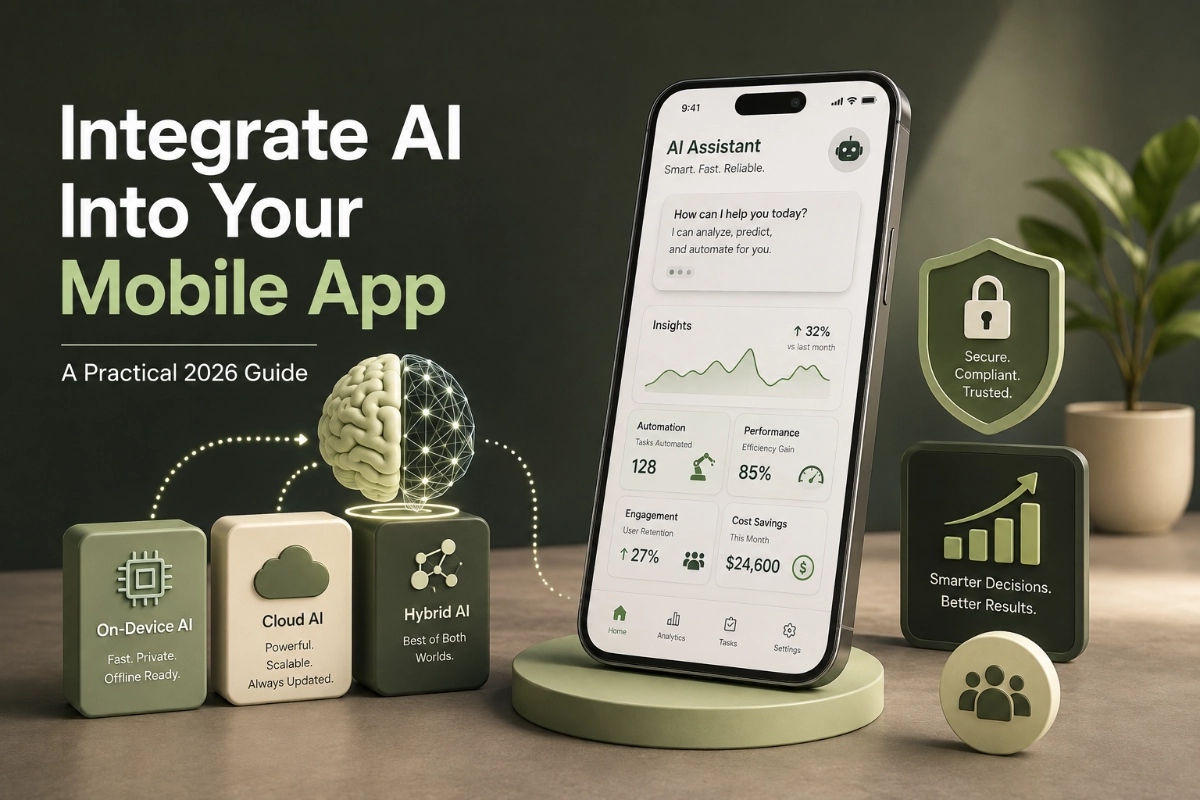
AI integration in mobile apps falls into three main architectures:
- Cloud AI– Processes data on remote servers (e.g., via OpenAI, Google Cloud AI, or AWS SageMaker APIs).
- On-Device AI– Runs inference locally using the phone’s hardware (Neural Engine on iOS or NPUs on Android).
- Hybrid AI– Combines both for optimal performance, privacy, and scalability.
- On-device AI vs cloud AI for mobile appsremains a critical decision in 2026. On-device processing delivers near-zero latency, works offline, keeps sensitive data on the device, and reduces ongoing API costs. Modern flagship devices handle complex models efficiently thanks to dedicated AI chips.
Cloud AI excels at heavy computation, continuous model updates, and tasks requiring massive datasets or real-time collaboration across users. However, it introduces network dependency, potential latency (100–500 ms round-trip), and higher data egress costs.
Hybrid architectures dominate production apps. For example, simple tasks like image classification or text prediction run on-device, while complex generative tasks or model retraining occur in the cloud. This approach balances performance with intelligence depth and supports privacy-first AI integration, which is increasingly important for US businesses handling customer or employee data.
Key Benefits of AI Integration in Mobile Apps
Businesses that successfully integrate AI report measurable gains:
- Reduced response times by over 50% compared to cloud-only approaches.
- Improved user engagement through real-time personalization.
- Lower operational costs by automating support, data entry, and decision workflows.
- Better compliance with regulations such as CCPA and emerging state-level AI rules.
Gartner also notes that organizations with successful AI initiatives invest up to four times more in data foundations and governance. This underscores that technical integration alone is insufficient – data quality and security form the foundation.
Step-by-Step Guide: How to Integrate AI Into Your Mobile App
Define Clear Business Objectives and Use Cases
Start with specific problems rather than technology. Common high-ROI use cases for US businesses include:
- AI customer support agents that handle initial queries and escalate intelligently.
- Predictive maintenance or inventory recommendations in logistics apps.
- Personalized recommendations in e-commerce or content apps.
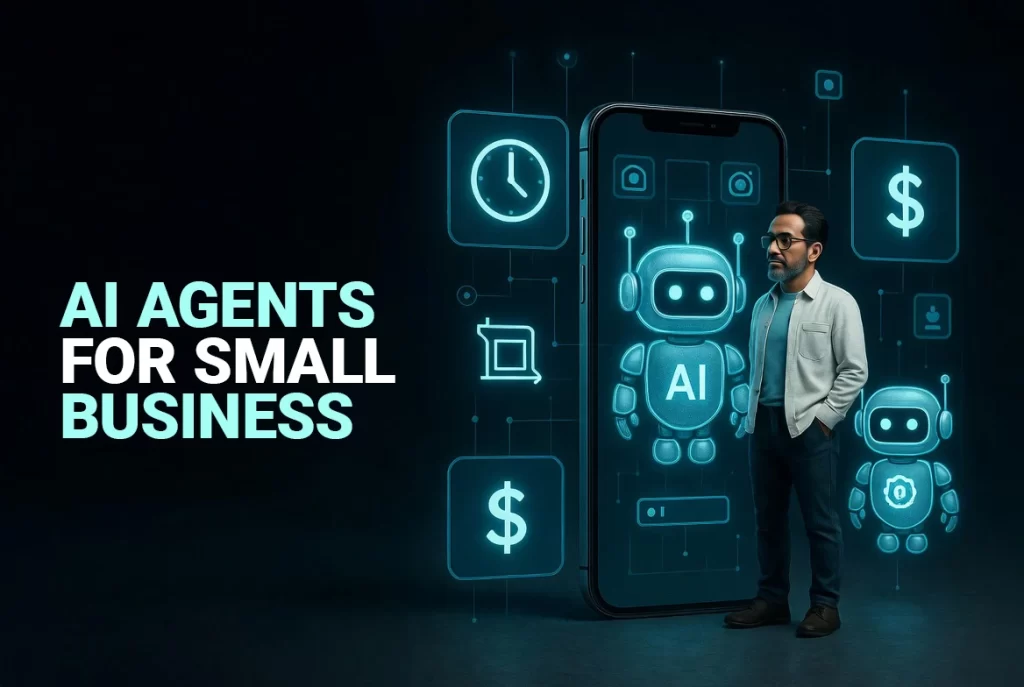
- AI agentic mobile appsthat execute multi-step workflows, such as scheduling, document processing, or HR screening.
Map each use case to expected ROI, user impact, and technical requirements. Involve stakeholders early to align technical feasibility with business goals.
Choose the Right AI Architecture and Tech Stack
Evaluate based on your app’s requirements:
For iOS:
- Core ML – Native integration with Apple’s Neural Engine for high-performance on-device inference.
- Combine with SwiftUI for modern interfaces.
For Android:
- TensorFlow Lite (now evolving into LiteRT) – Optimized for on-device machine learning with strong support for model quantization.
- ML Kit for quick integration of common tasks like text recognition or pose detection.
Cross-Platform Options:
- Flutter or React Native with plugins for TensorFlow Lite, PyTorch Mobile, or ONNX Runtime.
- These frameworks support cross-platform mobile developmentwhile maintaining reasonable AI performance in 2026.
For agentic capabilities, integrate orchestration layers that allow models to plan, use tools (APIs, databases), reflect on results, and iterate.
Prepare and Manage Data
Successful AI depends on quality data. Conduct a data audit focusing on:
- Volume, variety, and cleanliness.
- Labeling requirements for supervised tasks.
- Privacy controls (anonymization, consent management).
US businesses must address data readiness challenges. Organizations that invest heavily in data governance see better AI outcomes.
Model Selection, Training, and Optimization
Options include:
- Using APIs from providers like OpenAI, Anthropic, or Google for quick generative features.
- Deploying open-source or fine-tuned models via TensorFlow Lite or Core ML for on-device use.
- Quantization and pruning techniques to reduce model size while preserving accuracy.
For AI agentic workflows, implement multi-step reasoning where the agent breaks tasks into subtasks and validates outputs.
Implementation and Integration
- Embed the AI module into your existing codebase.
- Handle offline fallback and error recovery.
- Implement monitoring for model drift.
- Ensure seamless UI/UX.
Testing, Security, and Compliance
- Functional accuracy.
- Performance across devices.
- Security vulnerabilities.
- Compliance with US privacy laws.
Deployment and Monitoring
- Inference latency and success rates.
- User adoption.
- Cost per inference.
- Battery impact.
Cost to Integrate AI Into a Mobile App for US Businesses
- Basic integration: $15,000 – $40,000.
- Mid-level: $30,000 – $100,000.
- Advanced/enterprise: $70,000 – $300,000+.
Common Challenges and How to Overcome Them
- Data privacy and compliance– Prioritize strong governance.
- Technical complexity– Partner with experienced teams.
- User adoption– Focus on UX.
- Scalability– Adopt MLOps.
- Legacy integration– Use APIs and middleware.
Real-World Examples of Successful AI Mobile App Integration
- Logistics apps use AI for route optimization.
- Retail apps use hybrid recommendation engines.
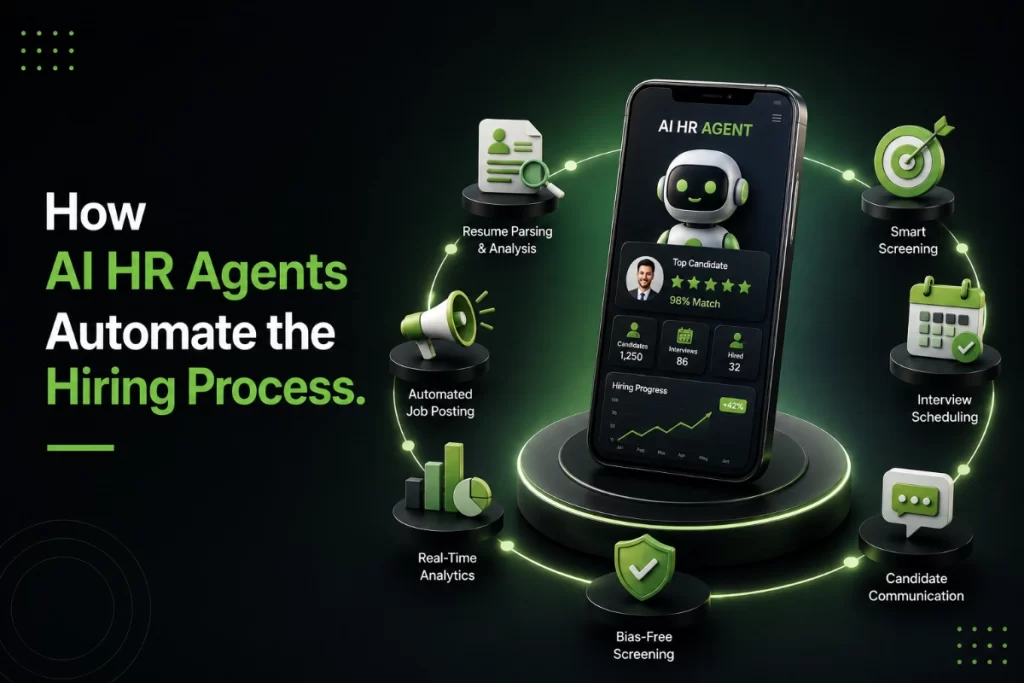
- Enterprise apps use AI Human Resource Agentfor hiring workflows.
Hire Developer